01
AI Training Planning
Complete sessions in seconds — tailored to team, pitch, equipment, and duration.
Coach OS
brings together AI assistants, training planning, an integrated drill database and Sketch – to build your own drill library. From a single coach to an entire club – with dashboards and statistics across all teams.
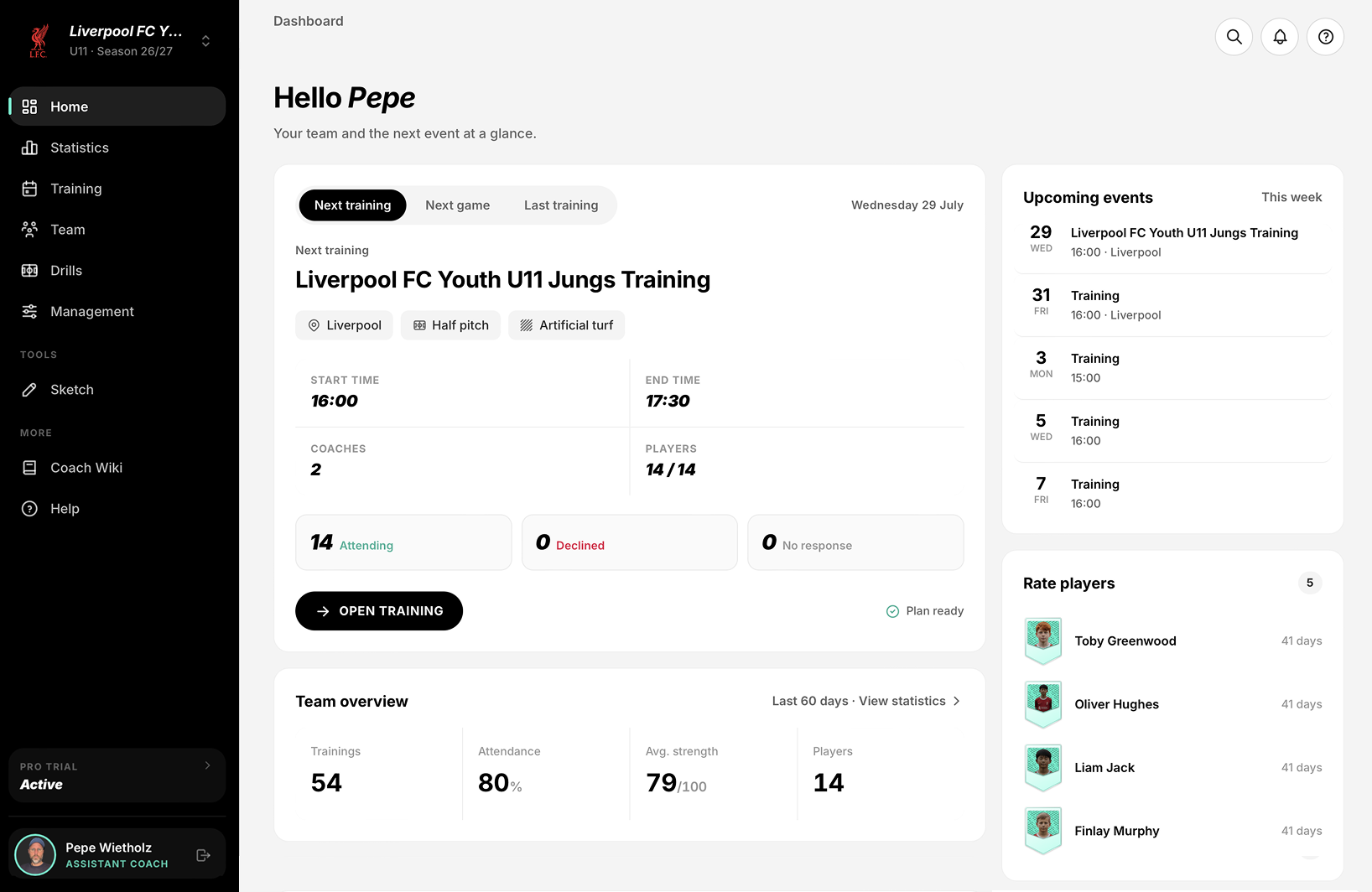
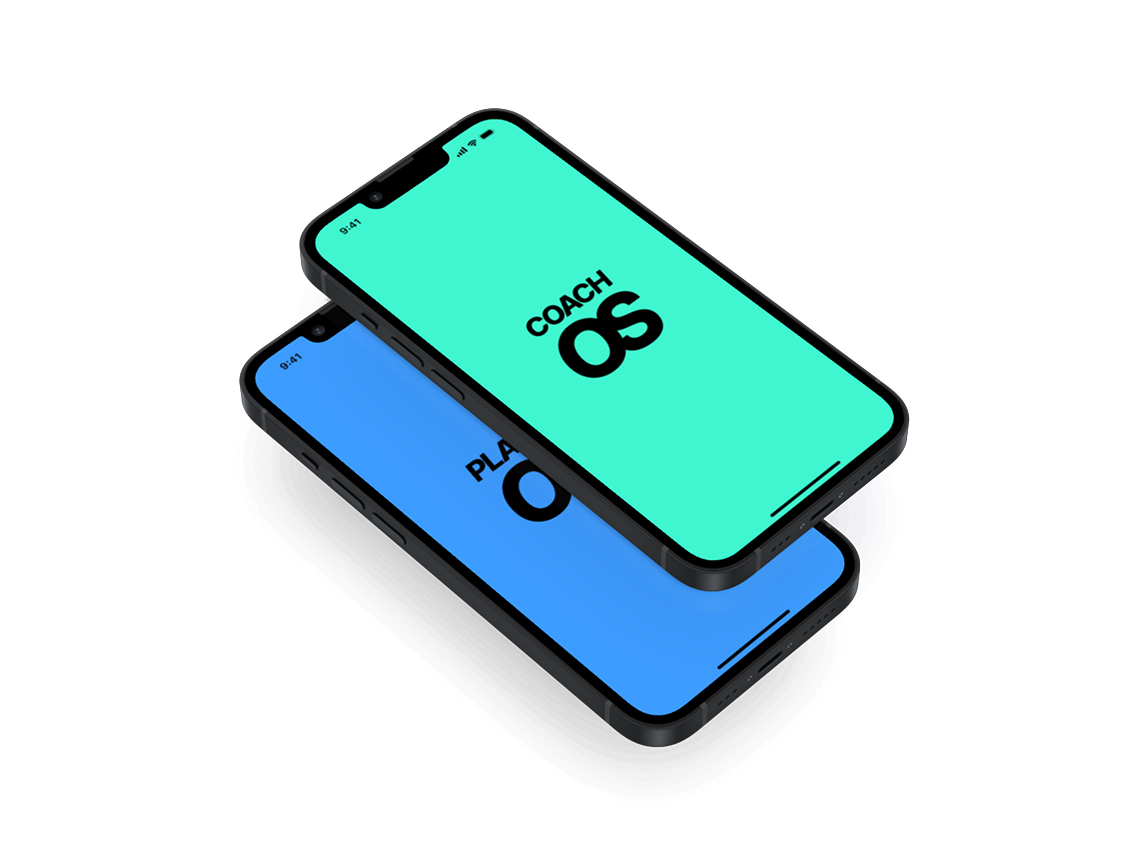
It's hard to explain Coach OS in 90 seconds. But we'll give it a try: Your team and the whole club!
Platform overview
You don't need to be a Premier League club or Barcelona to train like one.
Enter player count, pitch size, equipment, and time — the AI builds your complete training. Every drill rated by age, skill level, and impact.
As a PDF for your coaching staff or right on your phone at the pitch — you always have the perfect overview of every session. Adjust drills before training without any hassle.
Print your training or share it with your co-coach.
Step-by-step guidance right on your phone.
Rate players after every session, analyse training data, and let insights flow directly into your next plan.
Developed by coaches, verified by scientists, and loved by kids and young players.
Every drill individually designed with our own design tool — no copies.
Multiple variants per drill, adaptable to age, skill level, and group size.
Every drill visually explained through animations we created.
New drills and improvements based on real coach and kids feedback.
A focused overview of Coach OS — the full feature set (including expanded details) lives on the Pricing page.
Complete sessions in seconds — tailored to team, pitch, equipment, and duration.
Every session as a clean professional PDF — for your staff, WhatsApp, or print-on-pitch.
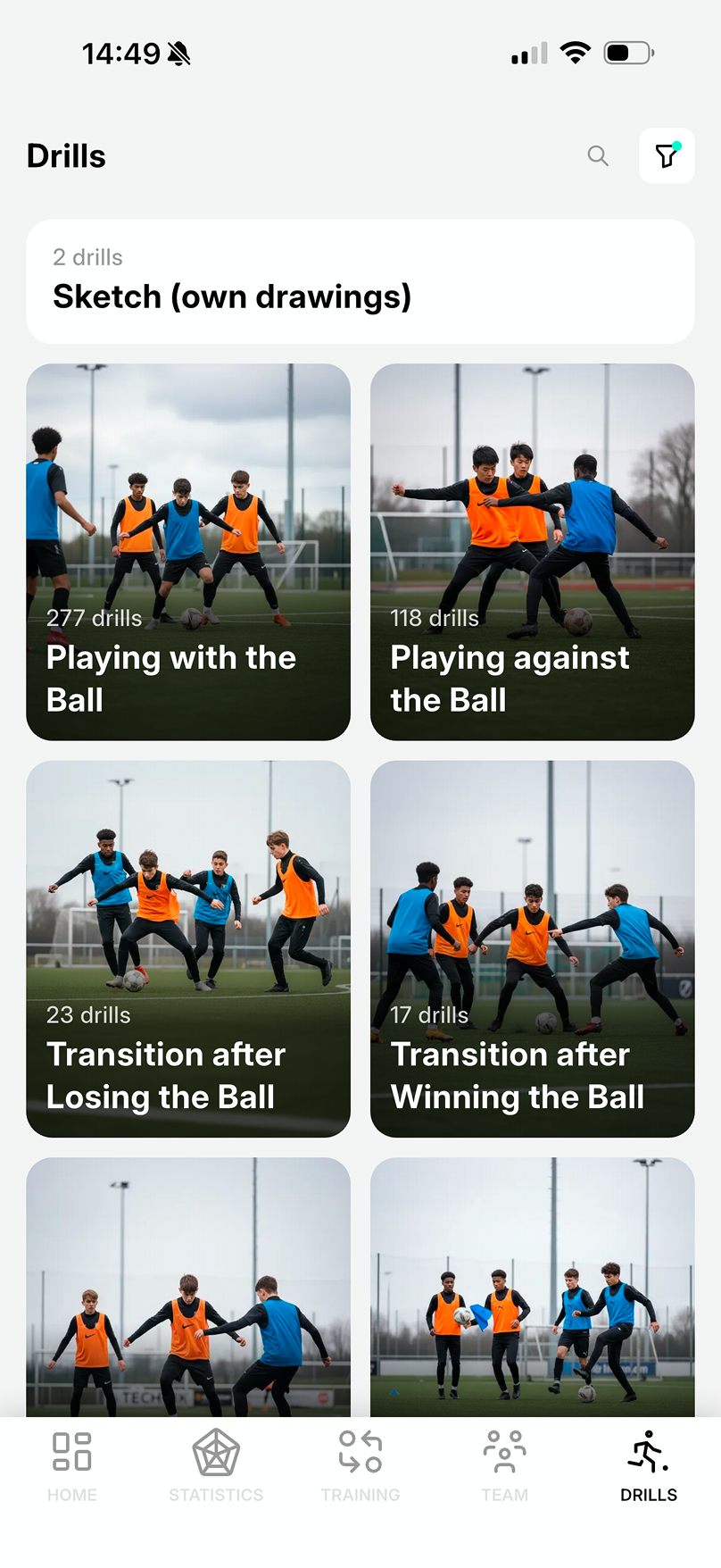
A huge database of animated drills, expert‑reviewed for every training situation.
Built on scientifically validated main categories and subcategories — long‑term structure for your season.
Track development with precise ratings, metrics, and performance insight.
Centralise players, coaches, availability, and match days in one workflow.
Run the session on your phone and adjust drills or groups in real time.
A focused overview of Coach OS — the full feature set (including expanded details) lives on the Pricing page.
Pricing & featuresCoach OS is your digital assistant coach for football training. In just a few clicks, you create complete training sessions tailored to your team – with over 1,244 animated drills, automatic periodisation, and a clean PDF export for your coaching staff.
Coach OS is designed for football coaches and clubs of all levels – from U6 and youth teams to senior men’s and women’s teams. The drills, small-sided games, and periodisation automatically adapt to age, skill level, and group size.
You set up your profile once – age group, skill level, training frequency, pitch, and equipment. From this, Coach OS plans the entire season with periodisation, not just the next session. Every session comes complete with warm-up, main part, and cool-down. You can boost focus areas, swap individual drills, or build a session entirely yourself – Coach OS suggests, you decide.
Yes. Every session can be exported as a clean, professional PDF – ideal for your assistant coach, WhatsApp group, or printing out for the pitch. Content, diagrams, and coaching points are clearly structured.
No. Coach OS handles the time-consuming planning, structuring, and data work so you can focus on what matters: coaching, motivation, and working with your players on the pitch. You retain full control at all times and can customize every drill.
Coach OS costs €19.90 per month per team – no minimum contract, cancel anytime. New users test Coach OS free for 30 days, no credit card required. During this period, you can create plans for up to 30 players and up to five coaches or staff members per team. For clubs with multiple teams, Club OS offers a tailored quote based on feature set, add-ons, and number of teams.
Yes, it is called Club OS. Clubs get a dashboard covering all teams, coaches, and players, a shared drill database, a club calendar, pitch allocation, and ten roles with individual permissions – from head of youth development to physio and scout. The club’s development curriculum can be stored as a blueprint for Coach OS to plan team sessions accordingly. We calculate each case individually and provide a customized quote.
The drawing tool in Coach OS. You draw a drill, animate it, and view it with a single click in 2D as Tactical View from above or in 3D as TV View. The AI also draws from a description or a photo of a book page. Multiple coaches can work on the same drill at the same time. Sketch runs on desktop and tablet.
In four ways: as a PNG for presentations and posts, as a PDF drill sheet with description, as an animated video once it has at least two frames, and as a 3D scene – either as a video from the TV camera, as Augmented Reality via a QR-Code, or as a downloadable 3D file.
Only if you want them to. A drawing initially stays private to you and only becomes visible to others when you actively set it to public. In a club, the head of development uses approval levels to curate what enters the shared club database.
Player OS, the app for players. RSVPs, coach tasks with feedback, a daily check on sleep and workload, development stats, and feedback delivered directly to their phones. Parent accounts are available for younger players. The data belongs to the players and their parents: when leaving the team, it is automatically removed.
Yes. Additional features include the medical section with player availability, workload tracked as ACWR per player, maturity status, and Return to Play in five stages, an athletic test catalog with nine tests, scouting with shadow squads per age group, and the camp planner for holiday camps. Every access to medical data is logged; entries can neither be edited, deleted, nor exported.
With it, you plan an entire holiday camp: import participants from Excel or CSV, set up days and time slots, automatically group by age or mixed ages, assign coaches and drill plans. During circuit training, groups rotate while coaches stay at their stations – Coach OS calculates the rotation schedule with rounds and times. A completed camp can be saved as a template for the following year.
As an app for iOS and Android, as a desktop version on large screens, and in the browser. One login works everywhere – no matter where you registered. Sketch runs on desktop and tablet.
In 17: German, English, Spanish, French, Italian, Dutch, Polish, Brazilian and European Portuguese, Danish, Swedish, Norwegian, Slovak, Turkish, Japanese, as well as Simplified and Traditional Chinese.
On servers in Germany; processing is GDPR-compliant. Clubs can export statistics as PDF, CSV, and Excel, including evaluations required for certification.
Yes. You can create your own drills, draw them in Sketch, and insert both directly into your training plans. Coach OS accesses both sources: your own drills and the complete database. For clubs, this means knowledge stays within the club, even if a coach leaves.