
COACH OS RESEARCH
Science meets practice.
Using state-of-the-art video and sensor technology, we research game and exercise forms. We collect all relevant data to make training even more effective and, of course, a lot of fun
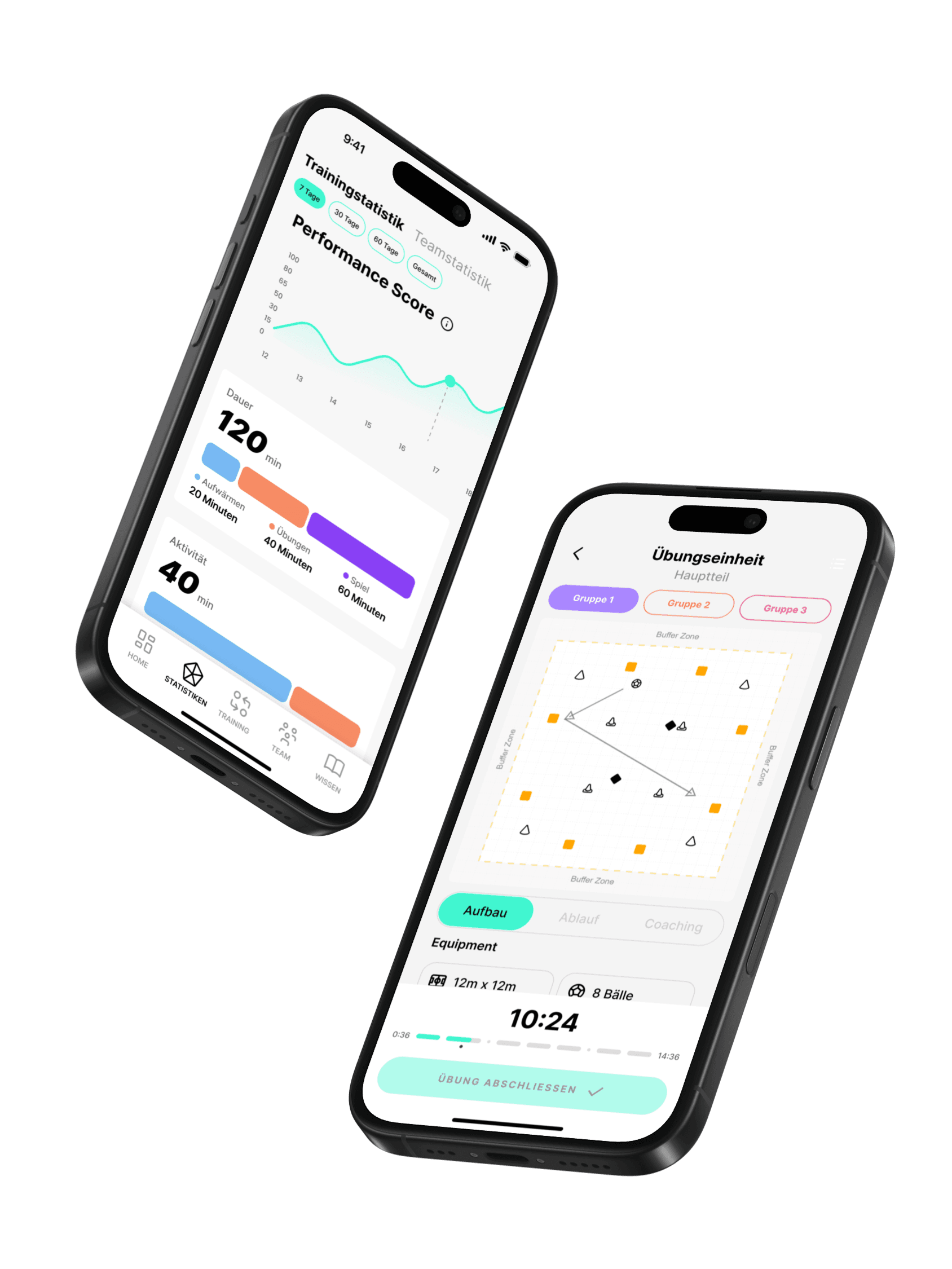
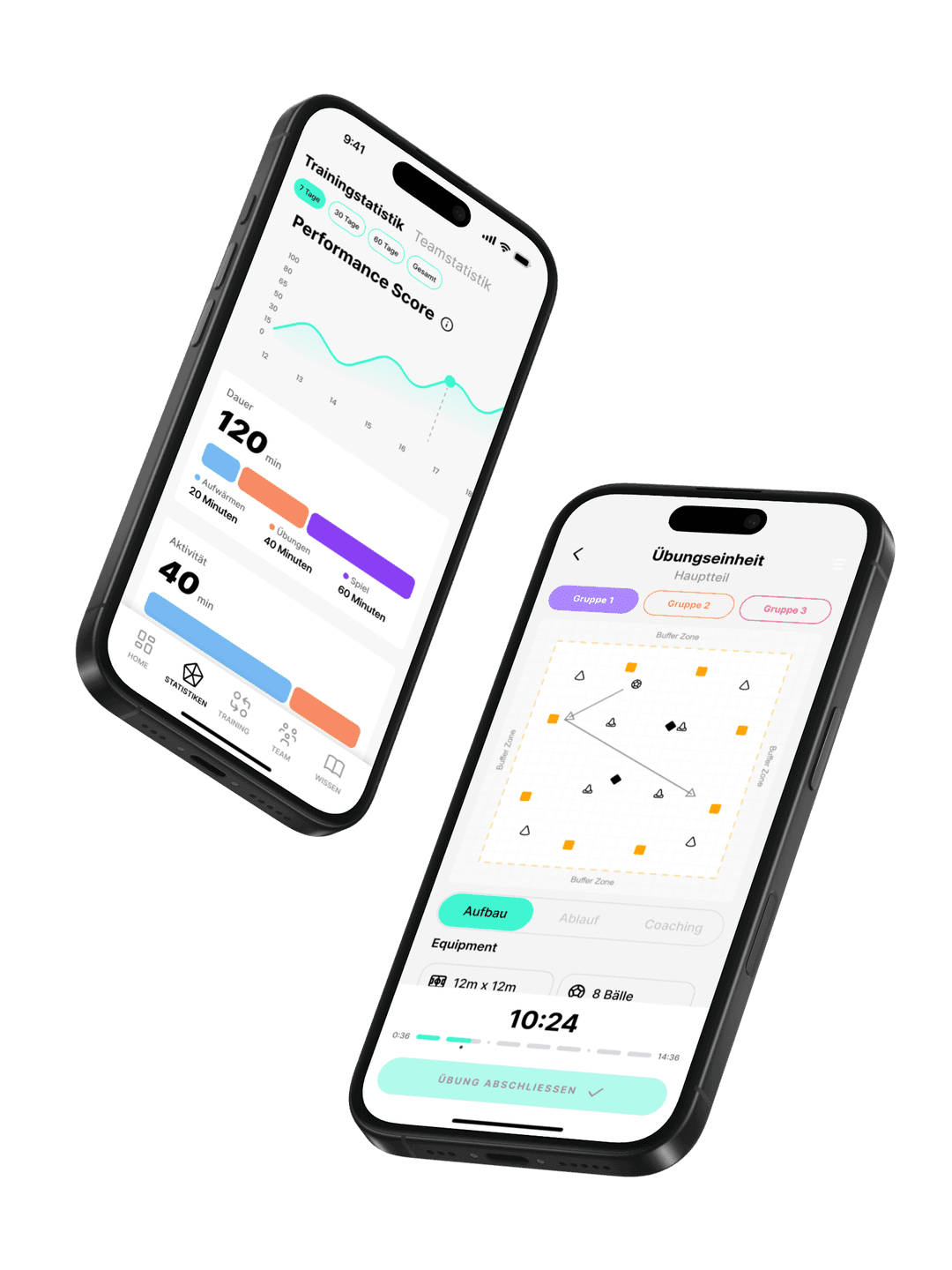

Which exercises are most effective and most fun?

When & how often which exercises should be performed.

Precisely tailored training plans based on your team & player development
The most effective periodization AI worldwide
for every age and skill level
Our AI was developed and trained in collaboration with sports scientists, certified coaches, and top European academies. It supports team training periodization by structuring hundreds of data points into main categories and subcategories. This allows you to plan training long-term and flexibly adapt it to different skill levels and age groups. An example of this is the differentiated breakdown of the main category Play with the Ball for U9 teams into the performance levels weak, medium, and strong.
In total, our AI works with 11 main categories, each containing between 6 and 14 subcategories.
In Possession
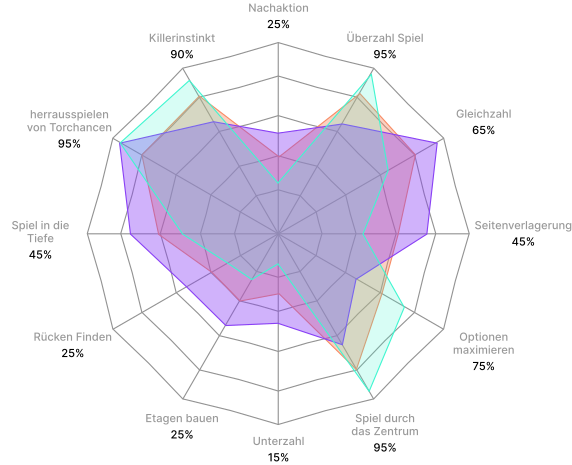
Data Points & Analysis
Every game & exercise form contains hundreds of data points


AI Analysis of Game and Exercise Forms
Our AI analyses the effects of individual exercises and game forms. Teams play through selected exercises and game forms from our database, which are then evaluated by our AI. The data points obtained are assigned to the respective exercises. This makes all processes transparent and identifies the most effective exercises.
The analysis includes: ball contacts, standing times, sprints, distances, shots on goal, start/stop movements, passes and all other relevant factors within the respective exercise.
What Analysts and Academy Directors Ask Before Making a Decision
Data basis and quality: Where do the data on which periodization is based come from?
Coach OS Research collects the data itself. Teams run through selected drills and game forms from the database, video and sensor technology records the session, and the AI evaluates: ball contacts, standing times, sprints, distances, shots on goal, start/stop movements, passes. Every game and drill format then carries hundreds of data points – static ones like age, team strength, and number of participants, dynamic ones like intensity, duels, and distance covered. We deliberately measure drills rather than competitive matches, because match data cannot answer which drill triggers what effect. This matters especially for academy directors who want to know what a training recommendation is based on.
Data quality and timeliness in football trainingVideo: What does Coach OS do with video material?
For us, video is a measurement instrument, not an archive. In research, we film drills and game forms and let AI read data points from them. Coach OS, on the other hand, is not a video platform for match scenes, edit lists, and clips to individual players, nor are we building one. In training, you work instead with animated drills from Sketch that show the sequence and running paths without anyone having to film. We state this openly because a half-baked video solution helps no one in a club. This applies especially to analysts who want to know in advance where the boundary lies.
Video analysis in footballLoad and physical conditioning: Does Coach OS measure what a player runs?
In research, yes: running performance, sprints, distances, start and stop movements, and recovery are among the dynamic factors we collect for each drill. This determines how intensely a drill acts and how it can be combined with others within a week. We do not supply hardware: during regular operations, no player wears one of our sensors. If a club already works with a tracking provider, their interface can be connected upon request. We deliberately do not manufacture our own vests because in grassroots sports nobody charges twenty sensors. This applies especially to academies that want to keep their tracking system.
Physical conditioning and load management in trainingCustom evaluation and data access: Can you access your own data?
All generated training documentation – training frequency, training content, exercise distribution, attendance – can be exported as PDF, CSV, or Excel and used in your own evaluations. Personal development data is only exported where parents have consented; health data is not exported at all. You supplement the exercise database with your own exercises from Sketch, and periodization with your own focus areas and a stored training philosophy. We do not release the measurement series behind the AI; they are the result of our own research. We intentionally keep it so that your numbers can be exported, while the children's data cannot. This applies especially to clubs with their own reporting systems.
Evaluate squad and performance dataModel depth: How deep does the analysis go?
The periodization AI works with 11 main categories, each comprising 6 to 14 subcategories, weighted by age and skill level. For example: The main category 'Play with the ball' is differentiated into weak, medium, and strong performance levels for F-youth teams. The model was developed and trained with sports scientists, certified coaches, and top European academies. We deliberately model the training effect and not the match outcome, because a coach needs a decision for Tuesday and not a forecast for the season. This applies especially to directors of coaching who must justify a methodology across all age groups.
Periodization and long-term planningTactics and match events: Does Coach OS analyze matches?
No. Coach OS does not evaluate competitive matches, count in-game events, or create opponent analysis. Tactics happen in training with us: Sketch draws and animates drills, pressing, transition, and positioning are among the 17 attributes of player evaluation, and periodization distributes tactical focal points across the season. Anyone who needs match analysis combines Coach OS with a specialized tool. We state this clearly because otherwise a club pays twice for the same thing or notices the gap too late. This matters especially for analysts who want to know the scope before making a decision.
Opponent analysis and match preparationComparability: Can numbers be compared across teams and age groups?
Yes, because everyone uses the same framework. Player evaluation is based on four areas with 17 attributes, and training content uses the same 11 main categories, regardless of who does the planning. In the club dashboard, teams are shown side by side: sessions per week, average attendance, and training content from the last 60 days. The weighting by age and skill level remains visible; a U11 is not measured against a U19. We intentionally provide the framework because freely defined criteria cannot be compared between two age groups. This matters especially for clubs assessing a development path across ten age groups.
Data-driven player developmentScouting: Does Coach OS help with talent scouting?
Not outside your own club. Coach OS does not keep a player database of external clubs, scouting reports, or transfer lists. What it does offer is the development of your own players over years: four areas with 17 attributes, progress since the first entry, and history that carries over when changing age groups. When deciding whom to promote from your own youth setup, this provides a more reliable foundation than a single trial day. We deliberately do not build scouting software because it has little to do with training planning. This matters especially for academies that want internal permeability.
Talent development and scoutingImplementation and usability: How quickly does a coaching team work with it?
A coach sets up their profile once – age group, skill level, training frequency – after which the season plan is set. The training generator leads to the finished session in eight steps; on the pitch, it runs on a smartphone, and it goes to the coaching team as a PDF. Data migration from a legacy system does not need to be run beforehand. For clubs, onboarding for the entire coaching team is included, with a dedicated contact person for Club OS PRO. We deliberately rely on pre-selection instead of configuration, because a volunteer coach does not have a setup week. This is especially important for clubs with high coach turnover.
Training planning and session organizationIntegration into operations: How does it fit into existing workflows?
Coach OS, Sketch, Player OS, and Club OS are interconnected: A single login works everywhere, acceptances and declines from Player OS determine the number of players and groups in planning, and custom-drawn drills are available in the database. Externally, we work via PDF, CSV, and Excel exports as well as invitations via QR code, link, code, or email. Relevant interfaces to third-party systems, such as tracking service providers, can be connected on request. We deliberately build an integration when a club actually needs it, rather than maintaining a list of integrations that no one uses. This applies particularly to clubs that already work with multiple systems.
Share development data with the coaching team